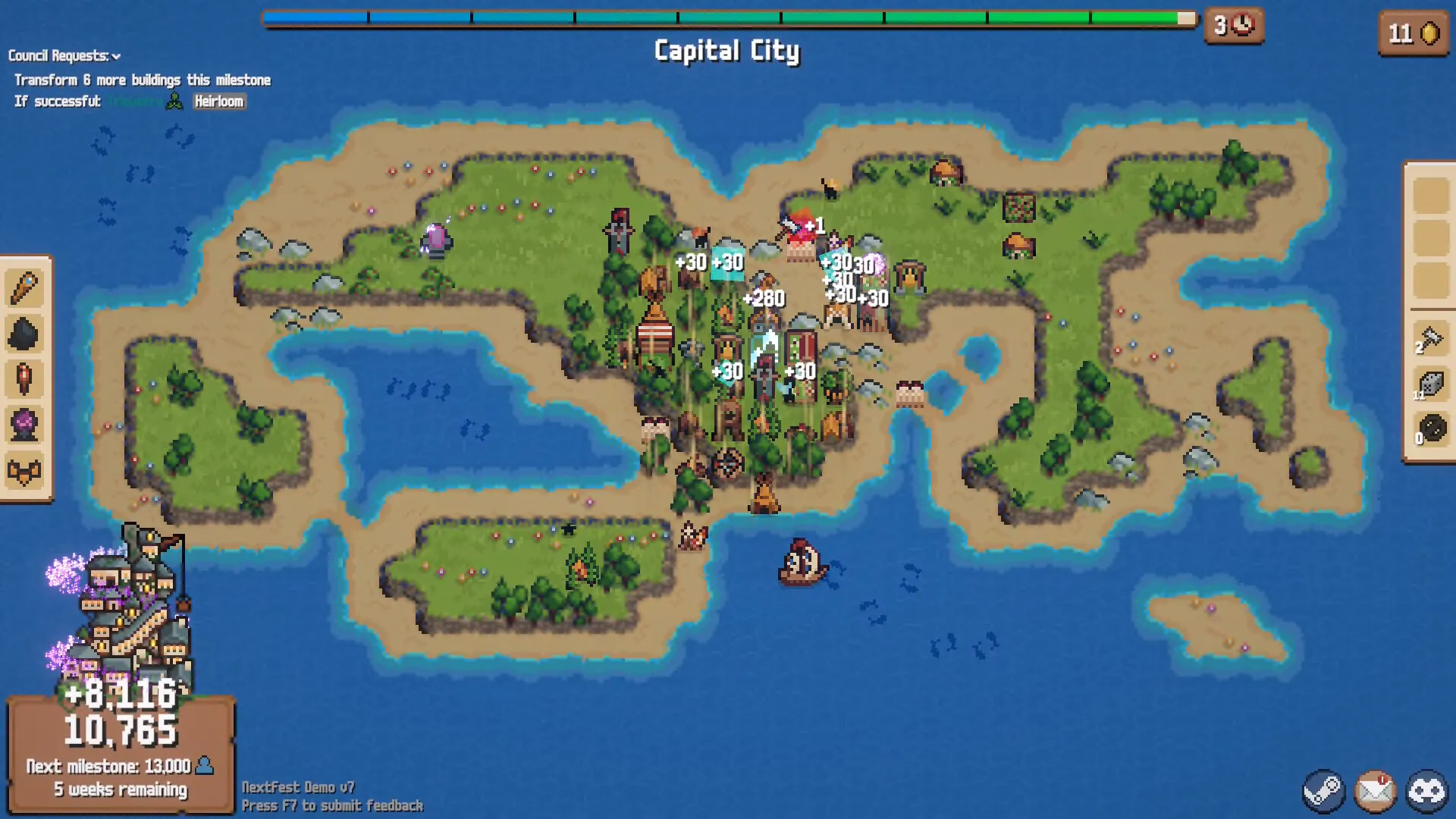
How to check adjacency versus range
- Hover the building or card. Let the game show every highlighted tile before you commit.
- Read the exact term on the card. Note whether it says “adjacent” or “in range” before relying on the reported color key.
- Compare the two visible zones. A public v1.0.6 guide video shows a close blue-hatched area and a wider yellow-orange area at about 09:54, but does not label them.
- Preview the final placement. The highlighted territory and score preview are safer than remembering a color alone.
Extensions do different jobs
The same Steam Community reply names Railway as an adjacency extension and Stables as a range extension. We did not find a second independent current source that states those roles, so treat both as player-reported examples and follow the live card for the exact target and amount.
Do not confuse range with a placement restriction
A separate Steam thread reports that some copies cannot overlap their operating areas and interprets Plaza or heirloom wording as an exception. That mechanism is not independently confirmed either. Use the range placement report and test steps before assuming the wording removes terrain or adjacency requirements.
A fast placement check
Ask three questions in order: Is the target directly adjacent? Is it inside the larger operating range? Is the placement itself blocked by a duplicate-building rule? Keeping those checks separate prevents most “the tile is highlighted but the card still will not place” mistakes.